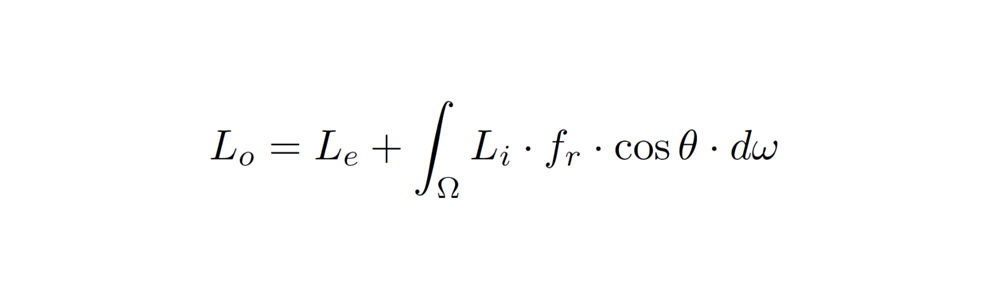
Starting with version 2.8, SItoA no longer supports the Softimage motion blur property. Instead, you use the Arnold Parameters property to control transformation and deformation motion blur.
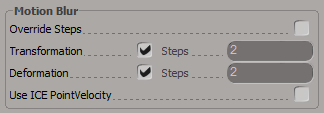
However, you cannot add an Arnold Parameters property to a camera (at least not using the SItoA custom menus, which will tell you that a camera is “is not a valid Object to add Arnold Parameters to”). Here’s a couple of ways to work around that:
- Create an Arnold Parameters property on a polygon mesh, and then in the Explorer, drag that property to your Camera.
- Select your camera and run this Python snippet:
cam = Application.Selection(0)
cam.AddCustomProperty( "Arnold_Parameters" )
 Arnold Support Corner
Is there something similar for MTOA?
No, sorry.
sad… anyway, thanks for reply!