In this blog post, I’ll quickly step through an example of how to use the <attr> token in the Maya File node.
Add a "mtoa_constant_" attribute to the shape node.
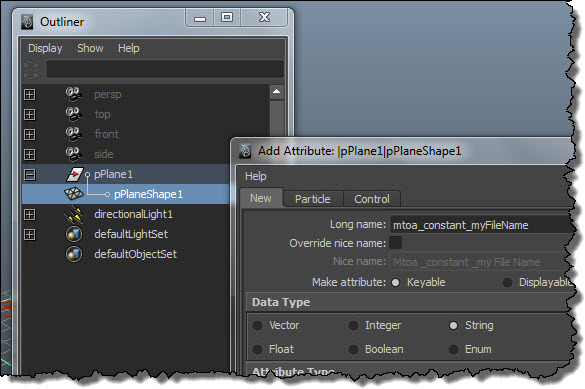
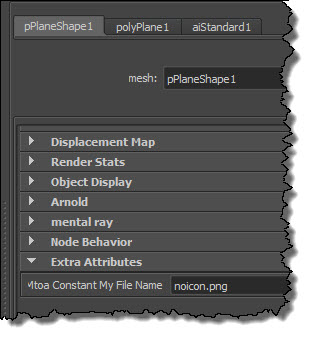
Put the name of the texture file in the extra attribute:
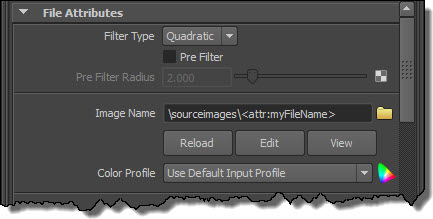
Use the token in the Image Name. Note that I have a relative path, so I have to make sure that I’ve set a project.
Now I’ve got something that will render in Maya. If I want to export this to an ASS file and render it with kick, I need to add a Texture Search Path (and optionally, a shader search path if I don’t want to use kick -l).
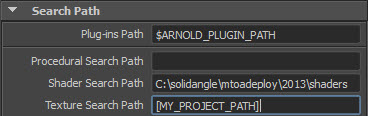
Here’s the texture-related parts of the exported ASS file:
options
{
 ...
 texture_searchpath "[MY_PROJECT_PATH]"
 ...
}

polymesh
{
 name pPlaneShape1
 ...
 declare myFileName constant STRING
 myFileName "noicon.png"
}

standard
{
 name aiStandard1
 Kd_color file1
}

MayaFile
{
 name file1
 filename "/sourceimages/<attr:myFileName>"
}
Notice how MtoA exported a relative path instead of an absolute. This happens only if you have a token in the filename; otherwise, you always get an absolute path.
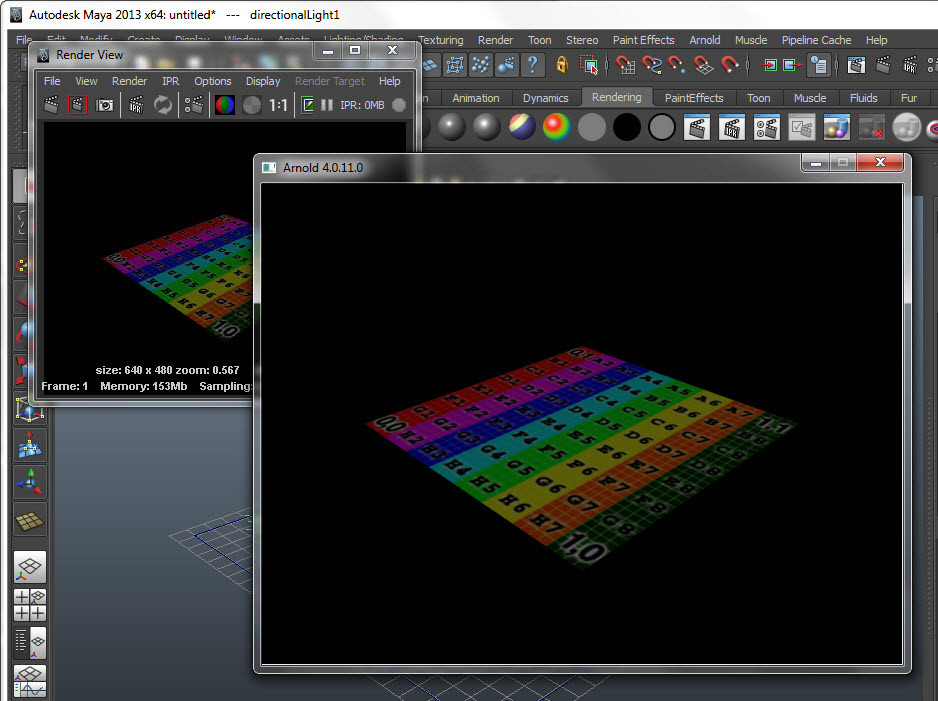
And here’s a screenshot to show all this working, both in Maya and in Arnold:
 Arnold Support Corner