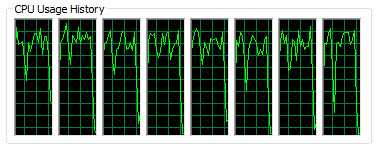
Rendering on a 4 Core Xeon CPU with HT
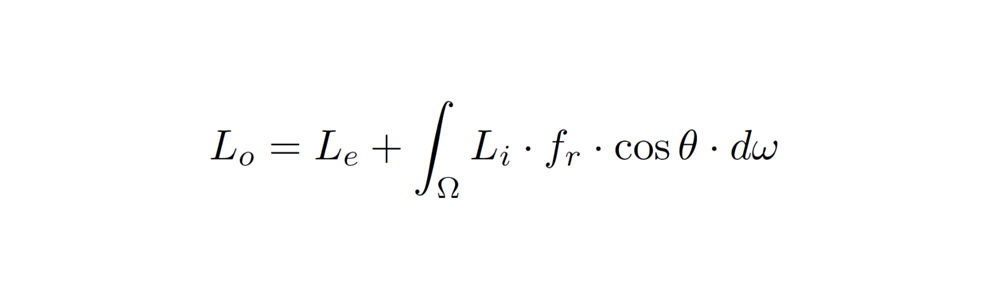
Rendering on a 4 Core Xeon CPU with HT

I was tempted to title this post something like “why is my ass pink when I kick it???” 🙂
The color magenta (often reported as “pink” or even “purple” sometimes) is the color of missing shaders. If Arnold cannot find a shader, it returns the color magenta (RGB = 1, 0, 1). This is a pretty common result when people export an ASS file from Maya for the very first time. Unlike SItoA, which helpfully fills in the Shader Search Path for you, MtoA leaves the search paths empty (unless you fill them in yourself).
There’s several ways you can tell kick where to find the shaders:
kick -l C:\solidangle\mtoadeploy\2013\shaders
I thought you might also be able to use -set options.shader_searchpath on the kick command line, but that didn’t work for me.
kick -i "elephant.ass" -set options.shader_searchpath "C:\solidangle\mtoadeploy\2013\shaders"
In the comments, a reader asks:
I am trying to override AA_samples per geometry and cant figure out where to add the attribute. I tried adding a user option to a set with AA_samples 6 and numerous other things but to no avail. Any ideas??
That’s not the way Arnold rolls 🙂
Arnold currently uses a global, non-progressive AA scheme, and the official Arnold shaders (such as the Standard shader) don’t support per-shader or per-object sample settings. One of the goals of the Arnold renderer is to reduce the amount of controls, and per-object or per-shader sampling doesn’t really fit into that vision.
A possible workaround would be to write a custom shader that reads user data attributes from objects and overrides the sampling settings.
PS If you want to know what user options are available, try using kick -info. For example, kick -info polymesh will give you the available parameters for a polymesh node. And kick -nodes will give you a list of nodes.
Here’s something I found while rummaging around my archives looking for a Softimage flashback. According to the Date Modified timestamp, this image was created in July 2000.
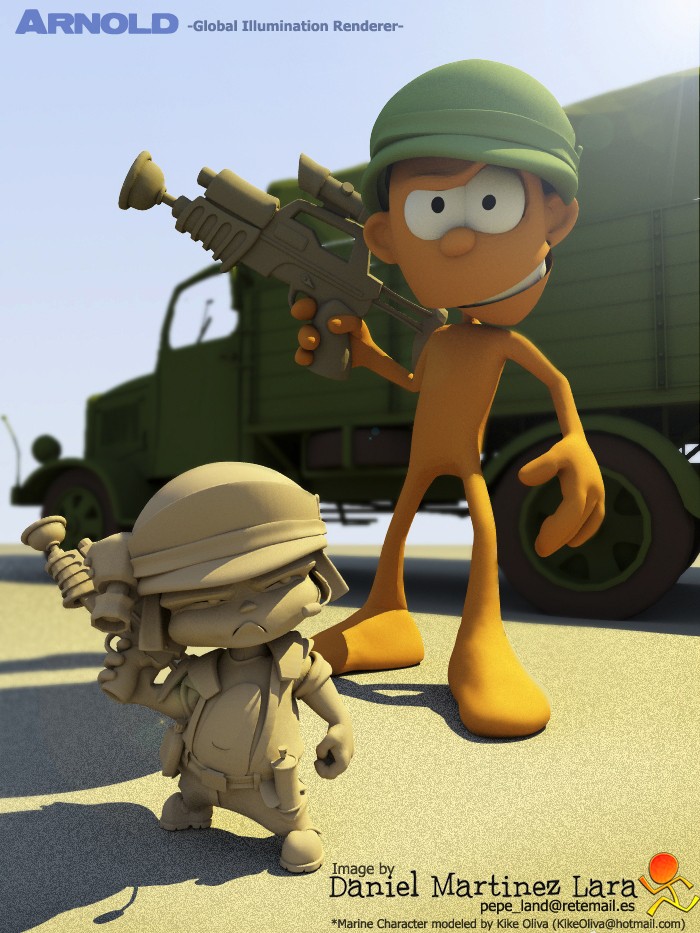
Update: I see that this image has already been posted elsewhere on the web.
 Arnold Support Corner